




Knowledge Base module
One knowledge base for customers, team and AI agent
Write public or private articles, organise them with categories and tags, and use the same content as a help centre and as a source for the AI agent.
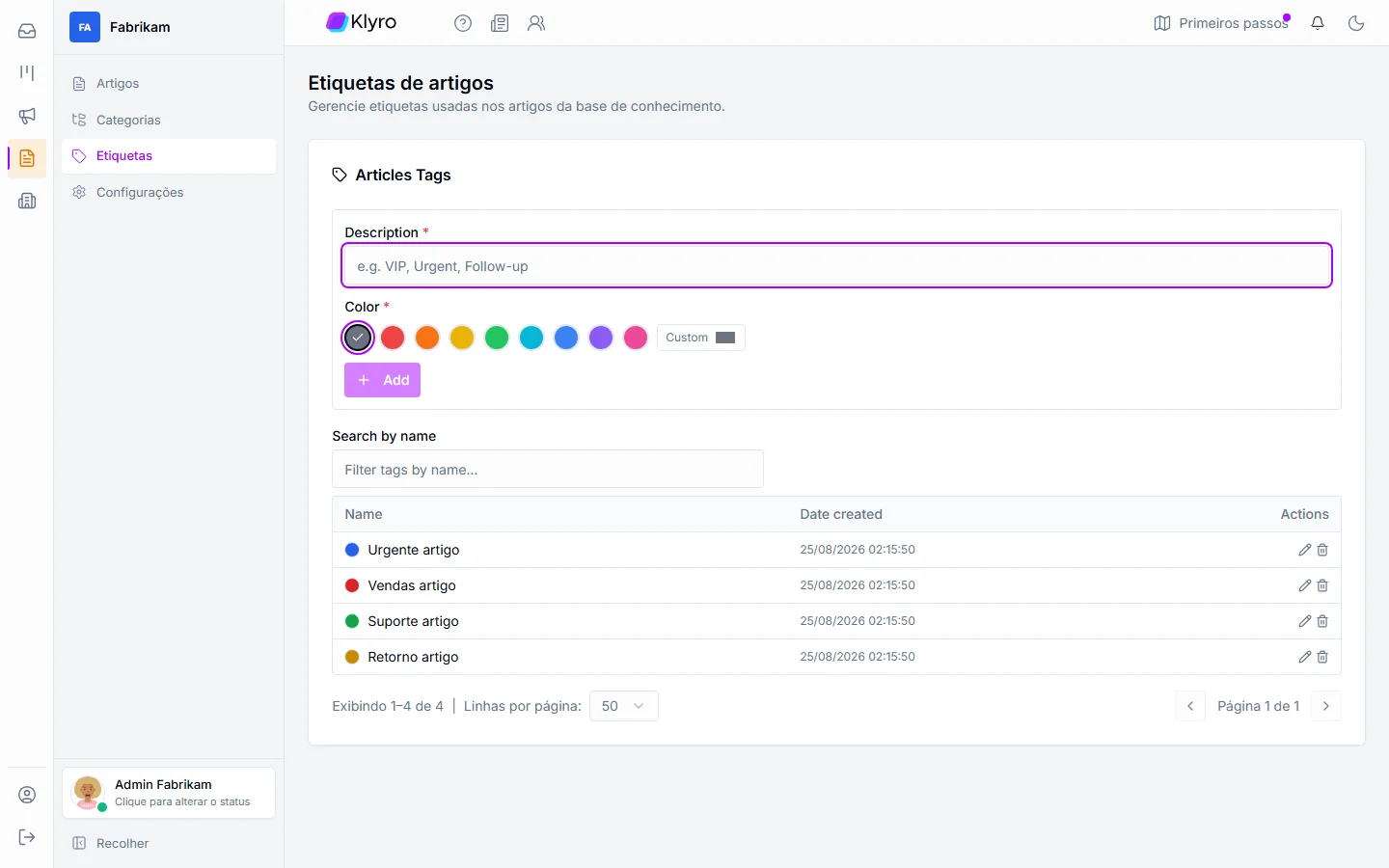
What Klyro has
Everything to keep the company's knowledge in one place
The Knowledge Base module features.
Public and private articles
Choose who reads each article: customers, in the help centre, or only the team.
Categories with their own address
Organise articles in categories; every article and every category has its own slug.
HTML articles with tables
A rich-text editor with formatting and tables for rules, prices and step-by-step guides.
Tags
Tag articles to organise and find content faster.
AI agent source
Knowledge base articles feed the agent, alongside site, document, text and FAQ.
View and edit
Read the article as the reader sees it and edit the content, the status and the visibility.
What it does
How the knowledge base works for you
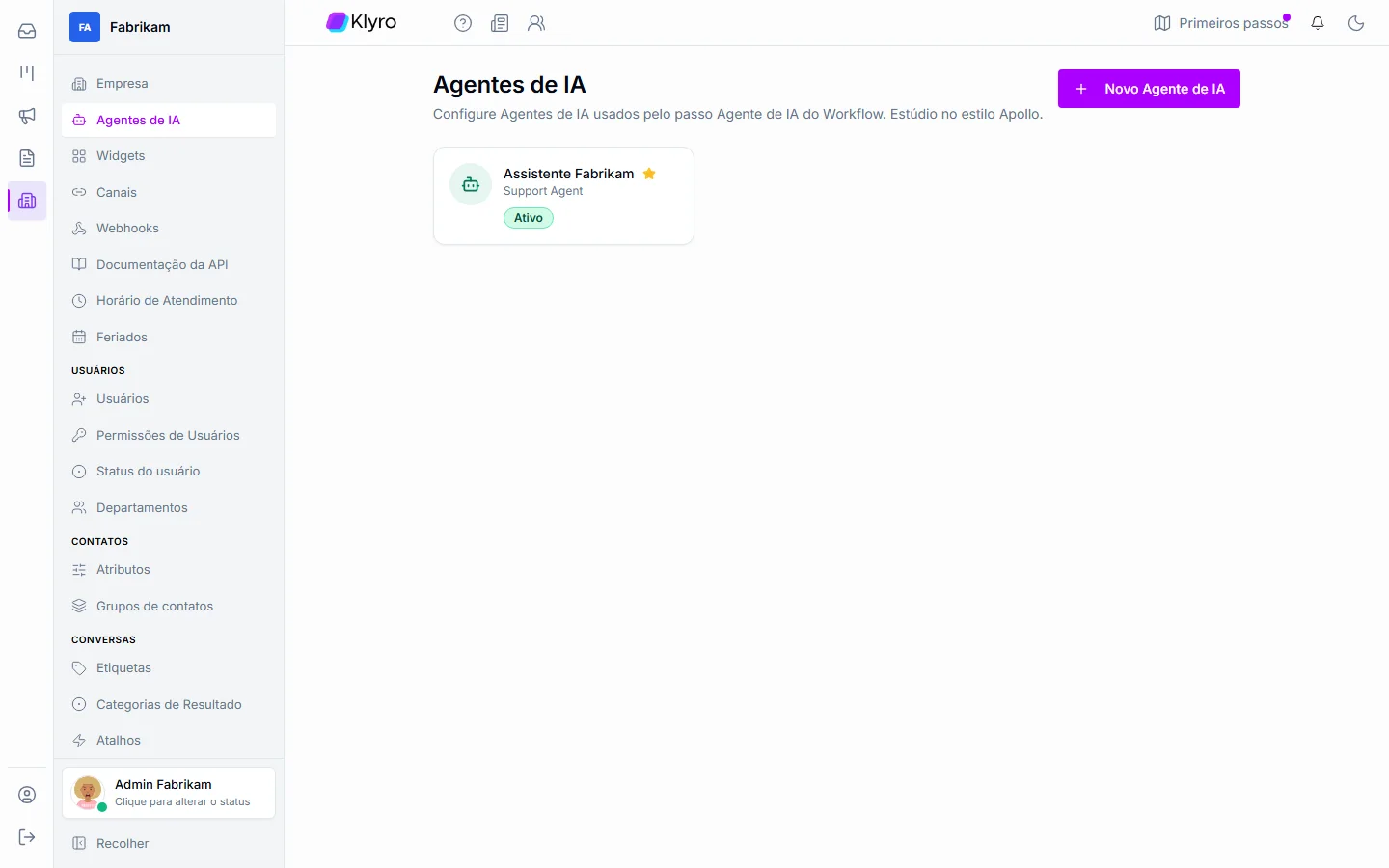
Two product screens show the content serving the AI agent and the team.
AI agent
Articles the agent uses to answer
Teach the agent with five kinds of source and reuse the articles you already publish.
Five kinds of source
Site, document, knowledge base article, text and FAQ.
Answers aligned with the company
The agent answers based on what your company wrote.
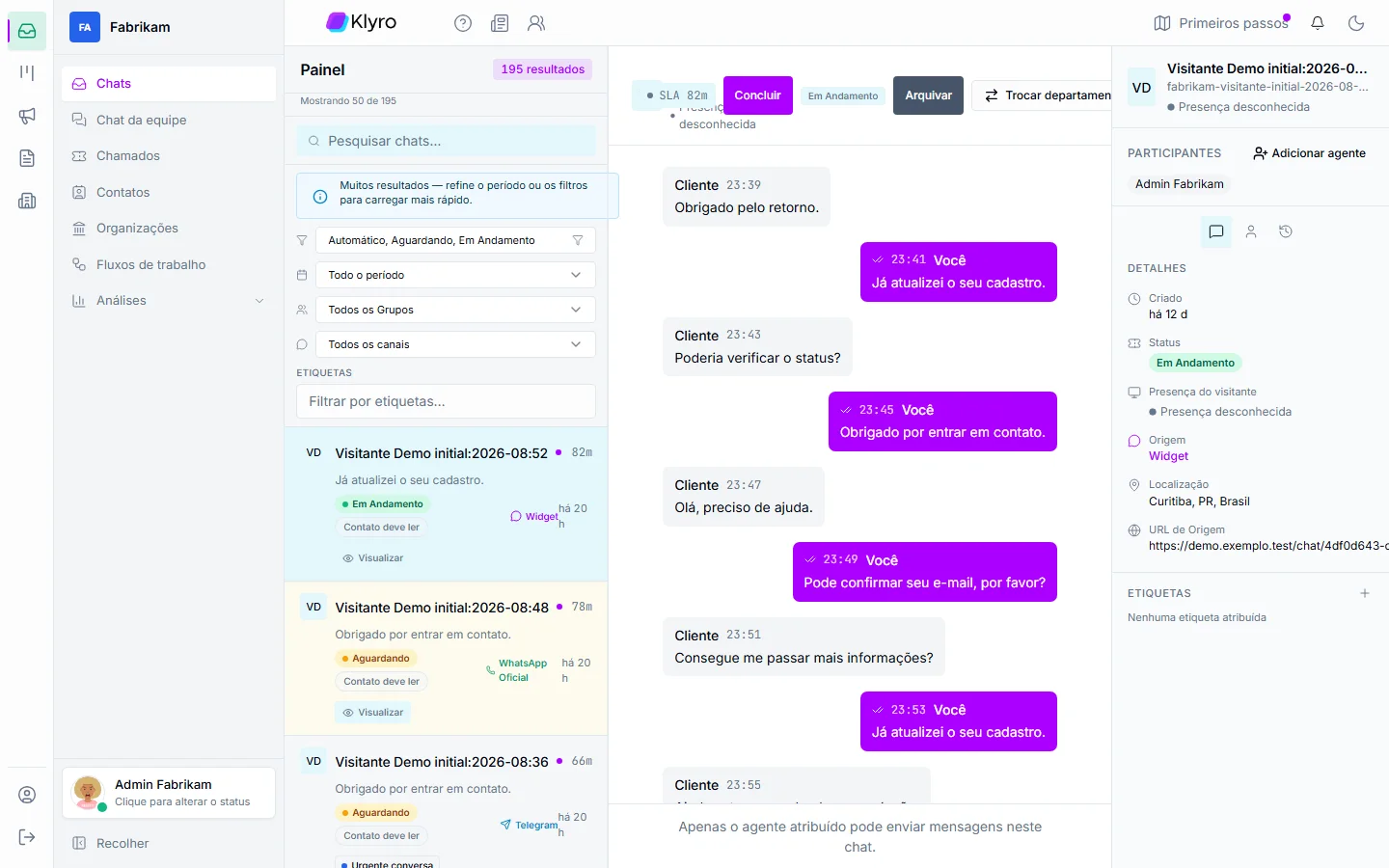
Customer service
The AI answers and a person takes over when needed
The base's knowledge reaches the conversation, and the team picks up where the AI stopped.
Instant answer
The customer gets the answer without waiting for a person.
Handover with context
The agent receives the history and the customer repeats nothing.
What it solves
Real situations Klyro's Knowledge Base solves
From the customer who wants to help themselves to the AI agent that needs a reliable source: see the problem, the path and what changes day to day.
The situation
Customers keep asking the same questions and the team answers them one by one, every day.
How Klyro solves it
Public articles, organised in categories, form a help centre customers can browse on their own. Every article and every category has its own address (slug).
What changes
Common questions get solved without opening a conversation, and the team gains time for the cases that need a person.
The path to the solution
- 1You publish the article in the right category
- 2The customer searches the help centre
- 3Finds the answer in the article
- 4Only contacts the team if still needed
Frequently asked questions
What is Klyro's knowledge base?
It is the space where the company writes articles and organises them in categories, so customers can help themselves, the team can consult them and the AI agent can learn from them.
Can I have public and private articles?
Yes. Each article can be public, for the help centre, or private, for the team only.
Does the knowledge base feed the AI agent?
Yes. A knowledge base article is one of the agent's sources, alongside site, document, text and FAQ.
Do articles support tables and tags?
Yes. The content is HTML and supports tables, and tags help organise and find articles.
Explore the platform
Keep exploring Klyro operations
Modules and features show the real product — without repeating the same story everywhere.
Meet Klyro's Knowledge Base
Build your help centre and teach the AI agent during the free trial.