
Unify Instagram and WhatsApp in one place
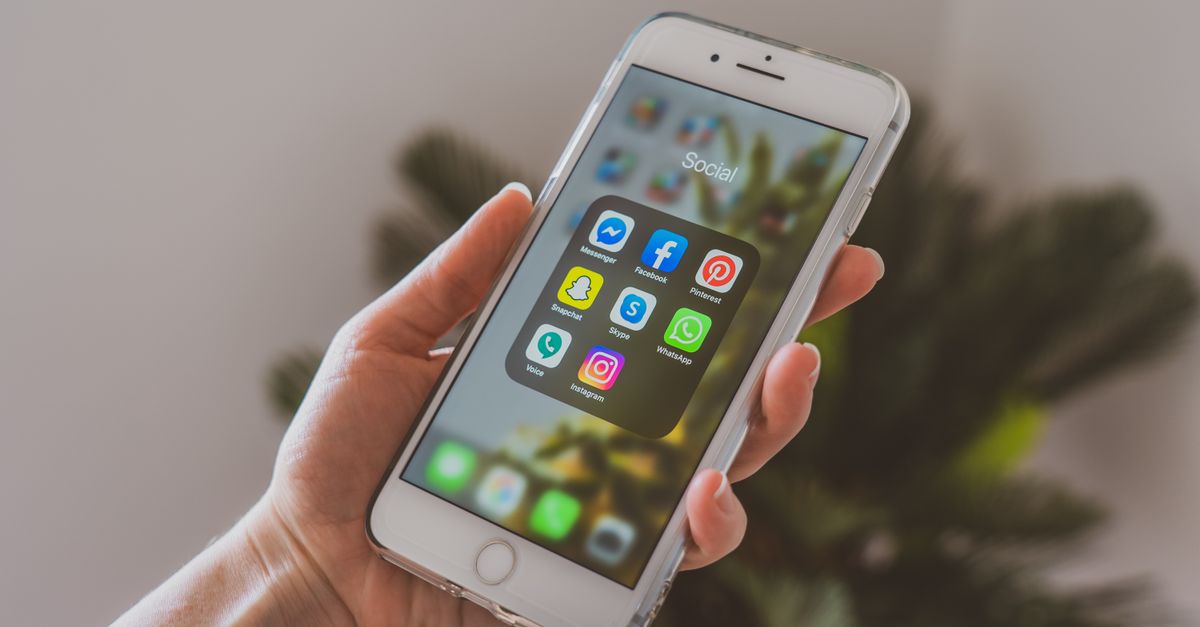
Why answering Instagram and WhatsApp in separate tabs creates overload
When each channel works on an isolated tool, the team switches between the Instagram messaging app, WhatsApp Web and, eventually, a spreadsheet to record the history. This fragmentation makes it impossible to know if the customer has been in contact before, what the previous matter was and who was responsible. The result is the repetition of questions, the loss of context, and the overload of scattered information.
The centralization of conversations solves this problem by bringing together all channels in the same environment, with unique history per customer, shared queues, and defined assignees.
How to organize multiple channels on a single platform
An omnichannel platform was designed to centralize conversations from different sources. Instead of opening Instagram Direct in one browser and WhatsApp in another, the team accesses an inbox that brings together all messages, regardless of their origin.
Each conversation carries the customer's identifier, the input channel, the history of previous interactions, and the person responsible for the service. When the customer sends a message on Instagram today and another on WhatsApp tomorrow, the attendant sees both conversations on the same screen, without having to search through different systems.
[BRANDwas designed to centralize WhatsApp, Instagram, Facebook, Telegram, email, and website conversations on a single platform] (URL0). In BRAND's omnichannel service, conversations from multiple channels fit into a single box with the full context of the customer.
Configure official channels to avoid blocks and loss of messages
The use of unofficial tools for automation on WhatsApp or Instagram may result in the suspension of the number or business account. Meta blocks profiles that violate usage policies, and recovery isn't always possible.
BRAND's WhatsApp channel uses the official API (Meta Cloud API) for business service, and multiple attendants can use the same WhatsApp Business number on BRAND. BRANDanswers Instagram Direct in the inbox and offers keyword triggers that reply to Instagram comments, publicly and on Direct, and replies in stories.
Connecting the channels through the official API guarantees compliance with Meta policies, maintains the conversation history and allows simultaneous use by multiple attendants, without sharing cell phones or logins.
Unify chat history by customer
The unification of history requires the platform to identify the customer by a unique piece of data, such as the telephone number. When the WhatsApp number and Instagram profile belong to the same person, the conversations can be associated with the same contact record.
In practice, the customer initiates a conversation via Direct to ask about stock, and two days later sends a message on WhatsApp to follow up on the delivery. The team views both interactions on the same contact card, without having to cross information between tools or ask again for the name and order.
BRAND's Contacts module centralizes customer history, tags, attributes, and segmentation, working as a conversation CRM.
Organize queues and managers by channel or by sector
Queues organize the conversations that come in and distribute to the available attendants. In an operation that serves Instagram and WhatsApp, it is possible to create a single queue for all demands or to separate queues by channel, by sector (pre-sale, post-sale, support) or by product.
The choice depends on the size of the team, the volume of messages, and the specialization of the attendants. Small operations often work well with a single queue; larger teams can segment queues by origin to differentiate SLA or prioritize sales.
BRANDoffers a unified inbox with queues, attribution, and shortcuts for WhatsApp, Instagram, Messenger, Telegram, email, and website. The platform allows you to define automatic distribution rules, keep the customer responsible and monitor volume by channel and by attendant.
Use automation for screening without duplicating flows
A common mistake when unifying channels is creating a screening flow for Instagram, another for WhatsApp, and a third for the chat. Duplication creates rework in maintenance and increases the risk of inconsistent responses.
Instead of replicating flows, set up an automation that recognizes the reason for the contact (sales, tracking, exchange) regardless of the origin. The trigger can be a keyword, a menu option, or the answer to an initial question. From then on, the conversation moves to the correct line, with preserved context.
BRANDoffers visual (drag-and-drop) automation flows that connect channels, bots, conditions, and actions. Triggers trigger automatic actions in real time from events such as messages, forms, and webhooks.
BRANDallows chatbots based on rules and artificial intelligence, with handoff for human agents. BRAND's AI can be trained with the company's documentation, website, and knowledge base, and the human handoff preserves the context of the conversation.
Differentiate SLA by channel when needed
Expected response time varies by channel. On WhatsApp, 51% of consumers expect a response within 5 minutes, according to data from the CX Trends 2026 report. On Instagram, 56% of consumers expect a response within 10 minutes. Email and website forms usually accept longer deadlines, up to 24 hours.
When the operation unifies channels, it is possible to define SLA differentiated by origin: WhatsApp and Instagram prioritize a quick first response; e-mail accepts longer time, but requires structured follow-up.
Companies that operate without this distinction usually apply the same deadline to all channels, which results in frustration on Instagram or email overload. The first response time indicator by channel helps identify whether the SLA is adequate to the customer's expectations.
BRANDoffers real-time dashboards, reports by agent and channel, and export to BI, allowing you to track volume and response time segmented by origin.
Track volume and response time by origin
Technical indicators do not replace customer perception, but they indicate where the operation may be stuck. After unifying Instagram and WhatsApp, follow:
- Volume of conversations per channel: identifies peaks and helps to scale queues.
- First response time per channel: confirms that the defined SLA is being met.
- Unanswered message rate: alerts about forgotten conversations.
- Distribution of conversations between attendants: identifies overload or concentration of demands.
- Inter-row transfer rate: Signals misconfigured screening.
These data guide adjustments in the distribution of managers, in the configuration of automations, and in the review of processes, without depending solely on the subjective perception of the team.
Integrate the service operation with the CRM
The unification of channels loses value if conversations are not registered in the commercial system. When history is isolated on the messaging platform, the sales team does not see the context of the conversation and the customer must repeat information as they move through the funnel.
The integration between the omnichannel platform and the sales CRM allows each conversation to be associated with an opportunity, for data collected in the service to feed the qualification fields, and for managers to be synchronized between systems.
BRANDincludes a sales CRM from the Starter plan, with a pipeline of opportunities in Kanban boards, products, win/loss reasons, and dashboards, in the same workspace and with the same service users. BRANDconnects to external CRMs and automation tools (Zapier, Make, n8n) and exposes REST API/WebHooks.
Test the operation before climbing
After configuring the integration of channels, queues, assignees, and automations, validate the complete flow before announcing the new channels to the customer:
- Send test messages via WhatsApp, Instagram and, if applicable, Telegram or Facebook.
- Check that conversations appear in the unified inbox and that the source channel is correctly identified.
- Confirm that the customer's previous history is uploaded when opening the conversation.
- Test automatic distribution between queues and attendants, validating that no one receives conversations from sectors outside their responsibility.
- Validate that the transfer to human after bot or AI preserves the context and does not force the customer to repeat information.
- Track first response time and adjust alerts if the deadline exceeds the defined SLA.
Corrections applied before the transaction goes into volume reduce complaints, lost sales, and rework.
Frequently Asked Questions
**Do I need an IT team to integrate Instagram and WhatsApp? ** Not necessarily. Modern omnichannel platforms offer native integrations with official channels, without the need for custom development. The setup involves connecting Meta accounts, defining queues, and creating automation flows, tasks that can be performed by the service team or operations.
**Can I continue using the WhatsApp Business app while testing the platform? ** No. The same phone number cannot be simultaneously connected to the WhatsApp Business app and the official API. When connecting the number to the platform, the WhatsApp Business App is automatically disconnected. Companies that want to test without impacting the operation must use a different number or migrate directly after planning.
**How to prevent the customer from getting lost when switching between Instagram and WhatsApp? ** Keep the conversation going by recording the context on the customer's card. When sending the first message through Instagram and the second through WhatsApp, the attendant must view both interactions in the same history. If the platform requires the customer to repeat information when switching channels, the unification is not configured correctly.
**Is it possible to define different managers for each channel? ** Yes. Some operations prefer sellers to answer through WhatsApp and for the social media team to respond through Instagram. Others unify the entire team in a common queue. The choice depends on the internal structure, but both models work when the platform allows you to segment queues by channel and assign managers according to defined rules.
**What is the impact of not unifying the history between channels? ** The customer repeats information, the team wastes time crossing data between tools, conversations are duplicated in the CRM, and the service loses context. The absence of a unified history transforms each interaction into a new contact, increasing resolution time and customer frustration.
**How to measure if channel unification is working? ** Track first response time by channel, conversation rate with repetition of information, volume of transfers between attendants, and customer satisfaction measured by CSAT or NPS. If the indicators show a reduction in rework and the maintenance of SLA, the unification is fulfilling the objective.
**Can I integrate channels other than Instagram and WhatsApp? ** Yes. Omnichannel platforms support multiple channels such as Facebook Messenger, Telegram, email, chat on the site and, in some cases, SMS or RCS. BRANDoffers integration with all of these channels in a unified inbox, allowing you to scale the operation as the company grows.
**Does automation replace human attendant in all cases? ** No. Automation works well for screening, frequently asked questions, data collection, and quick answers. Complex situations, negotiations, sensitive complaints, and critical decisions require human intervention. The recommended strategy is to combine entry automation with qualified handoff, preserving context for the attendant to assume without repetition.
References
- [Customer communication channels: features and integration | Octadesk] (URL1)
- [What is customer service: practical guide for 2026 | Octadesk] (URL2)
- [URA of service: how to direct calls by sector | Omnichannel] (URL3)
- [RCS for companies: what it is, how it works and how to use | Octadesk] (URL4)
- [How to Safely Automate WhatsApp Calls | Huggy Blog] (URL5)
- [When the AI agent should transfer to a human | Omnichannel] (URL6)
- [AI agent vs Chatbot: what's the difference and which one to use? | Huggy Blog] (URL7)
- [WhatsApp API troubleshooting with logs and webhooks | Omnichannel] (URL8)
- [Omnichannel | BRAND] (URL9)
- [Instagram | BRAND] (URL10)
Share
Open Instagram and paste the link in your post/story.